
Guide: deploying Orkelis across multiple locations
Architecture, roles, and best practices for deploying Orkelis across multiple establishments.

Multi-site challenges
Deploying a scheduling tool across multiple sites involves specific challenges: different collective agreements, time zones, local managers with distinct needs, and a headquarters that needs a consolidated view.
Recommended architecture
Orkelis offers a native multi-location architecture. Each site has its own space with its rules, teams, and schedules. Headquarters accesses a consolidated view with cross-site dashboards.
Access management
Three role levels: global administrator (visibility and settings for all sites), site manager (management of their establishment), employee (schedule consultation). Rights are granular and customizable.
Progressive deployment
We recommend a site-by-site deployment: start with a pilot site, validate processes, then roll out progressively. Each new site benefits from lessons learned at previous ones.
Optimize your schedules with Orkelis
Try our intelligent scheduling solution for free and save time every week.
Stay informed
Get our guides and scheduling news straight to your inbox.
Related articles
Continue reading with these articles.
Guide: integrating the Orkelis public API
Integrate your schedules, absences, users, and clockings with your existing tools via the Orkelis REST API.
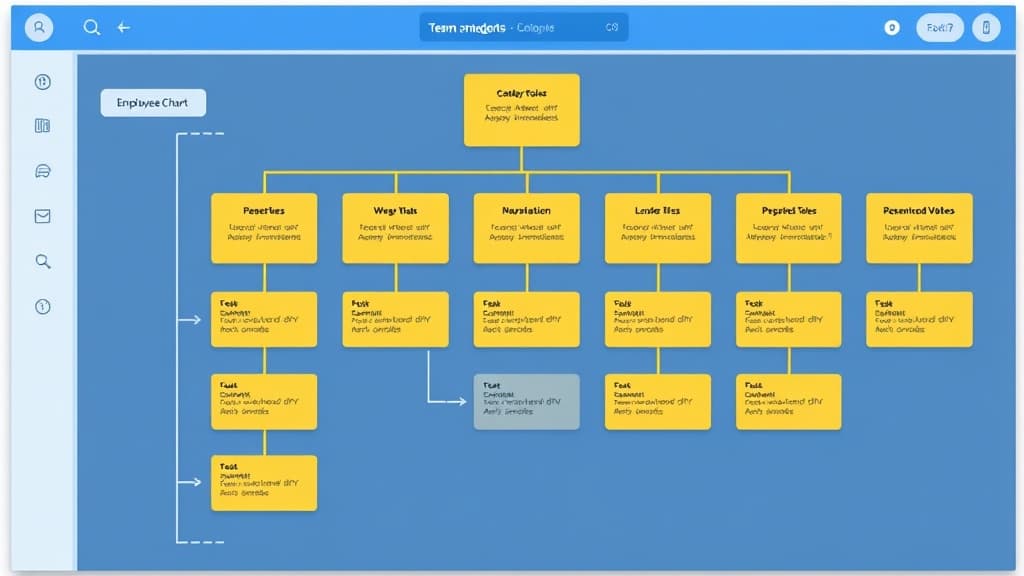
Guide: team and role management
Structure your organization: services, sectors, roles, permissions, and user management.

Guide: setting up kiosk time tracking
Turn a tablet into a shared time clock station with PIN code for your employees.